Upscale Photos to 2K & 4K with AI
Our AI upscaler reconstructs fine detail and cleans up noise, delivering high-resolution images that look natural - not blurry or over-sharpened.
Powered by OpenAI GPT-Image-2.5
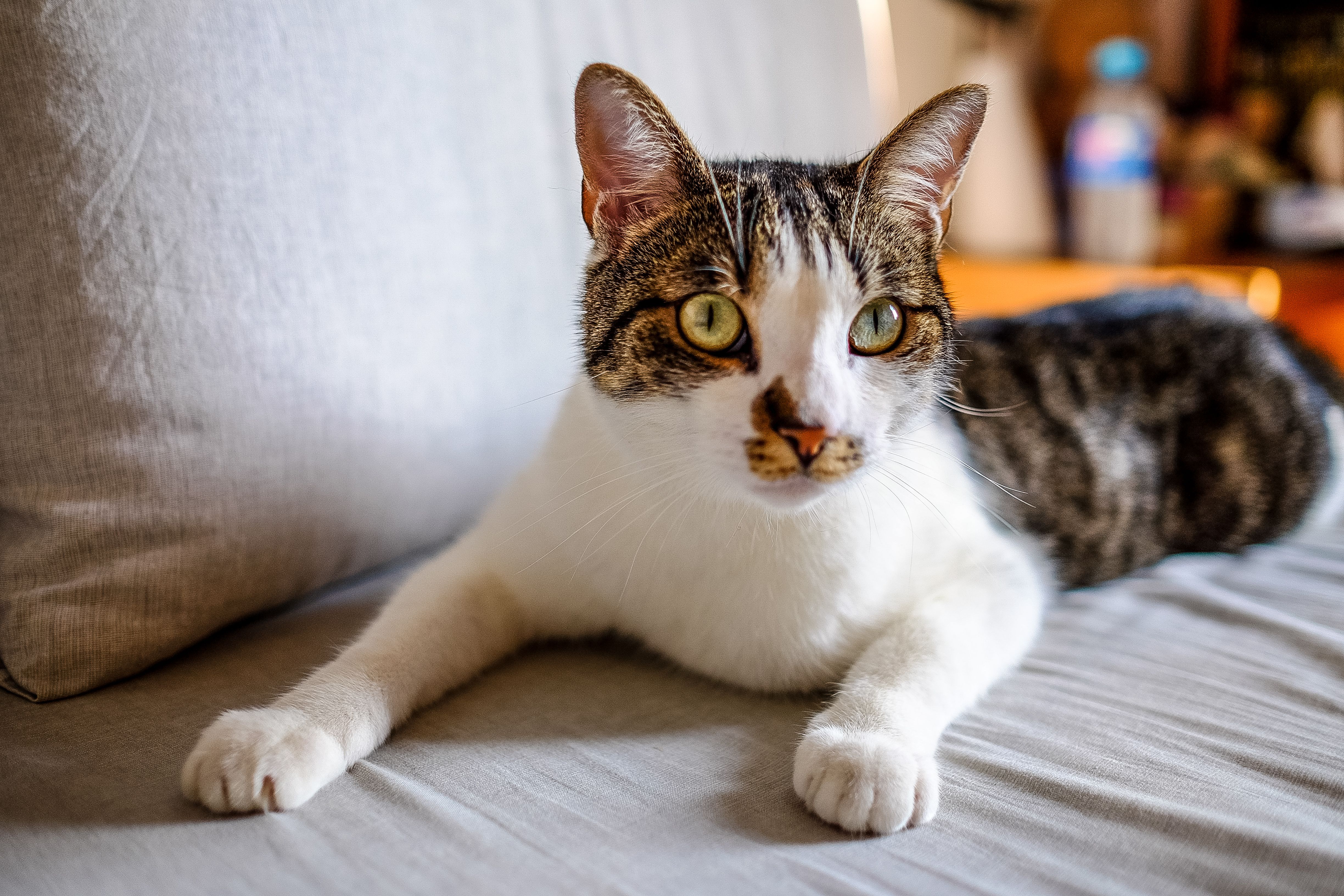
Powerful AI Upscaling Features
Reconstruct detail, not just pixels
2K & 4K Targets
Pick a clear target - 2K for fast results, 4K for maximum resolution. The output size is previewed before you start.
Detail Reconstruction
AI rebuilds textures, edges and fine detail rather than stretching pixels - the result stays sharp at higher resolutions.
Smart Denoising
Auto, Standard or Strong denoise levels let you balance grain removal against keeping natural texture.
Resolution Guardrails
If the source is already at the target, we tell you up front and guide you to AI Photo Restoration for blurry-but-large images.
How to Upscale an Image
Three steps to a sharper, higher-resolution photo
Upload Your Image
Select any image (JPG, PNG, BMP and more, up to 10MB). We auto-read the size to check whether upscaling makes sense.
Choose Target & Denoise
Pick a 2K or 4K target and a denoise level. The preview shows the expected output size and approximate scale.
Download Upscaled Result
AI reconstructs detail in 2-5 minutes. Download the high-resolution image, ready for print or sharing.
Common Use Cases
Where AI Upscaling helps most
Print & Display
Turn web-resolution images into 2K/4K files ready for posters, prints and large displays without soft edges.
Product & E-commerce
Sharpen product photos for marketplaces and stores - buyers zoom in, so detail matters.
Old Web Images
Rescue low-resolution downloads and screenshots for re-use in modern layouts and social posts.
Frequently Asked Questions
What is the difference between 2K and 4K upscaling?
2K is faster (about 1-2 minutes) and a solid upgrade for most photos. 4K takes longer (about 2-5 minutes) and may occasionally fail on very small sources - we recommend 4K when you need maximum resolution for print or large displays.
What if my image is already high resolution?
We check the source size before you start. If the long edge has already reached your target, we let you know there is no room to upscale, and suggest AI Photo Restoration if the image looks blurry rather than small.
Which denoise level should I choose?
Auto works for most photos. Pick Standard for moderately grainy sources, and Strong for noisy low-light shots. Stronger denoising can lose some natural texture, so use it when grain is the main problem.
Is my image data safe?
Absolutely. We never store your images permanently. All data is automatically deleted within 48 hours after processing.
Ready to Upscale Your Photos?
Upload an image and let AI deliver 2K or 4K results in minutes
Start Upscaling Now